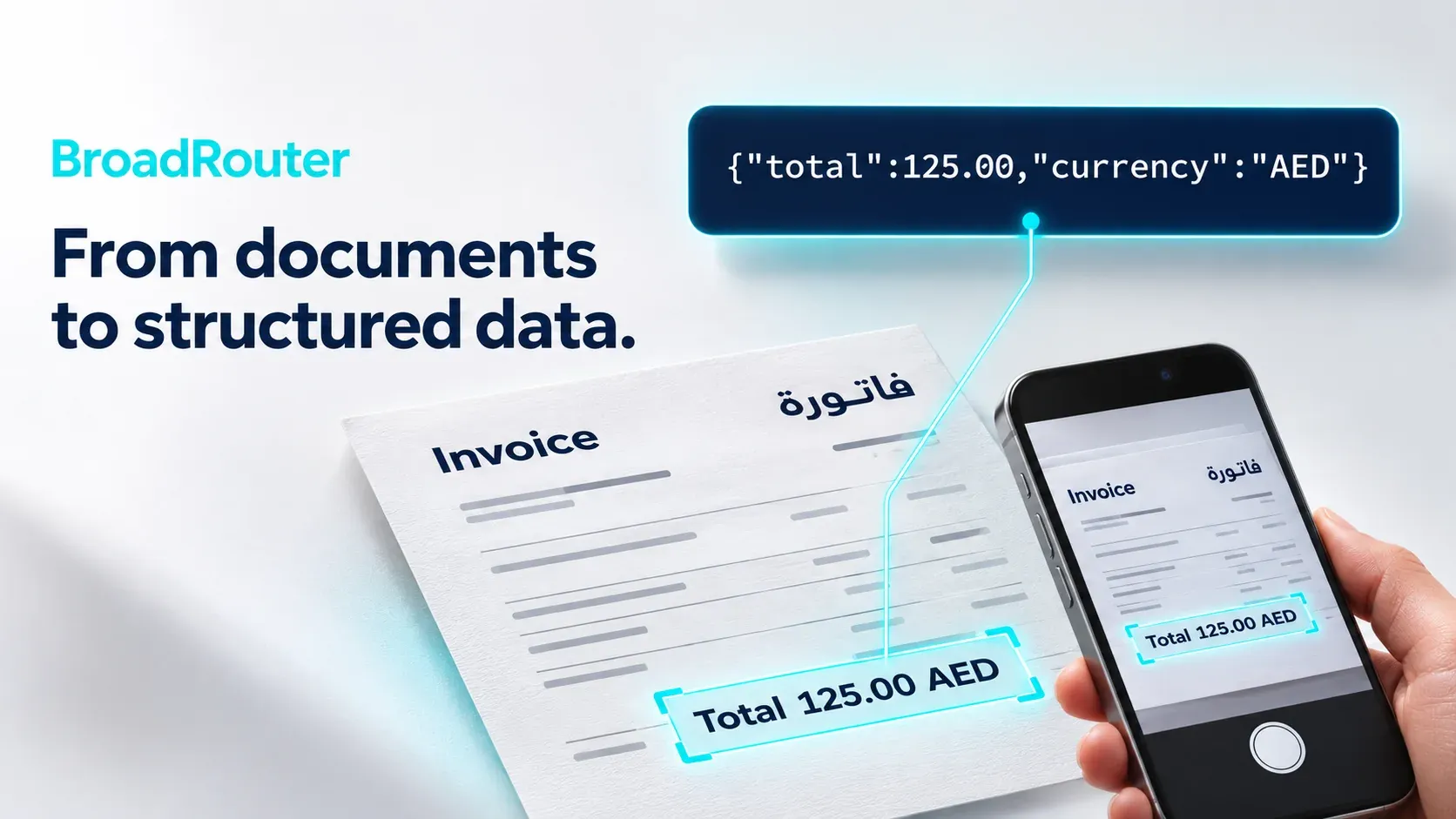
Three chat models on BroadNet Inference take images: DeepSeek V4.1 Flash, Qwen3.8 27B and BroadNet Gemma 4 VL 26B. GLM 5.3 is text only. For Arabic documents, Qwen3.8 27B is the one BroadNet tested in Arabic: fluent writing, Gulf and Egyptian dialects understood, and accurate Arabic–English translation. Gemma 4 VL 26B is the cheapest of the three on BroadNet and works on the free credit.
Ask a question about one invoice
import base64, os
from openai import OpenAI

client = OpenAI(base_url="https://inference.broadnet.ai/v1", api_key=os.environ["BROADNET_API_KEY"])
invoice = base64.b64encode(open("invoice.jpg", "rb").read()).decode()

response = client.chat.completions.create(
    model="broadnet/gemma-4-26b-a4b",
    messages=[{"role": "user", "content": [
        {"type": "text", "text": "ما هو المبلغ الإجمالي في هذه الفاتورة؟"},
        {"type": "image_url", "image_url": {"url": "data:image/jpeg;base64," + invoice}},
    ]}],
)
print(response.choices[0].message.content)
The question asks “What is the total amount on this invoice?” in Arabic. Use image/png in the data URL for PNG files: the MIME type must match. To set it from the file name:
import mimetypes
mime = mimetypes.guess_type("invoice.png")[0]   # "image/png"
url = f"data:{mime};base64," + base64.b64encode(open("invoice.png", "rb").read()).decode()
Get structured fields back
Ask for JSON and say exactly which keys you want:
prompt = (
    "Read this invoice. Reply with JSON only, keys: vendor, date (YYYY-MM-DD), "
    "currency, total (number), vat (number or null). Keep the vendor name in Arabic if it is written in Arabic."
)
response = client.chat.completions.create(
    model="broadnet/qwen3.8-27b",
    max_tokens=2000,  # Qwen3.8 27B reasons first
    messages=[{"role": "user", "content": [
        {"type": "text", "text": prompt},
        {"type": "image_url", "image_url": {"url": "data:image/jpeg;base64," + invoice}},
    ]}],
)
Qwen3.8 27B reasons before answering, so give it room. See why reasoning models return empty answers. BroadNet’s docs list structured output for Qwen3.8 27B; see structured output for how JSON schemas work in general. Parse the reply with json.loads and check the fields before you store them.
Cost
On pay-as-you-go, an image is billed as input tokens at the model’s input price, so resize very large photos first; the image token calculator shows how many tokens a given size costs. On an unlimited DeepSeek V4.1 Flash plan, images are part of the unlimited use.
Compare the vision models’ prices, or see how a vision model compares with Google, Azure, Textract and Mistral OCR in the Arabic OCR API comparison.
Troubleshooting
- Empty answer from Qwen3.8 27B or DeepSeek V4.1 Flash. Reasoning used up
max_tokens. Raise it or setreasoning_efforttolow. - 400 or 422 on the image. Check that the data URL starts with
data:image/jpeg;base64,ordata:image/png;base64,and that the MIME type matches the file. - 403 or an error on the model. GLM 5.3 does not take images, and Qwen3.8 27B and DeepSeek V4.1 Flash need a top-up. Use BroadNet Gemma 4 VL 26B on the free credit.
- Request too large or context errors. A big photo uses many tokens, and Gemma 4 VL 26B has the smallest context window of the three (listed in pricing.json). Resize to a sensible width or crop to the totals area.
- Wrong totals or swapped digits. Arabic-Indic digits (٠١٢٣) and Latin digits can both appear on one receipt. Ask the model to return numbers in Latin digits, and check totals against line items in your code.
- Invalid JSON. Ask for “JSON only”, strip any code fences before parsing, and retry once if parsing fails.